Memora Studio

Features

Everything Memora Studio's editor and store do today. Nothing here is a planned feature: what does not exist yet is listed in the how-to guide, under limitations.

One or two places

The art can have a single map or two maps side by side, with a heart between them.

How it works
In the editor, choose "1 place" or "2 places". With two, a button swaps their order.
What it is for
Telling a story that involves two places, such as where a couple met and where they live.
Example
São Paulo and Lisbon, for a couple who met in Portugal.
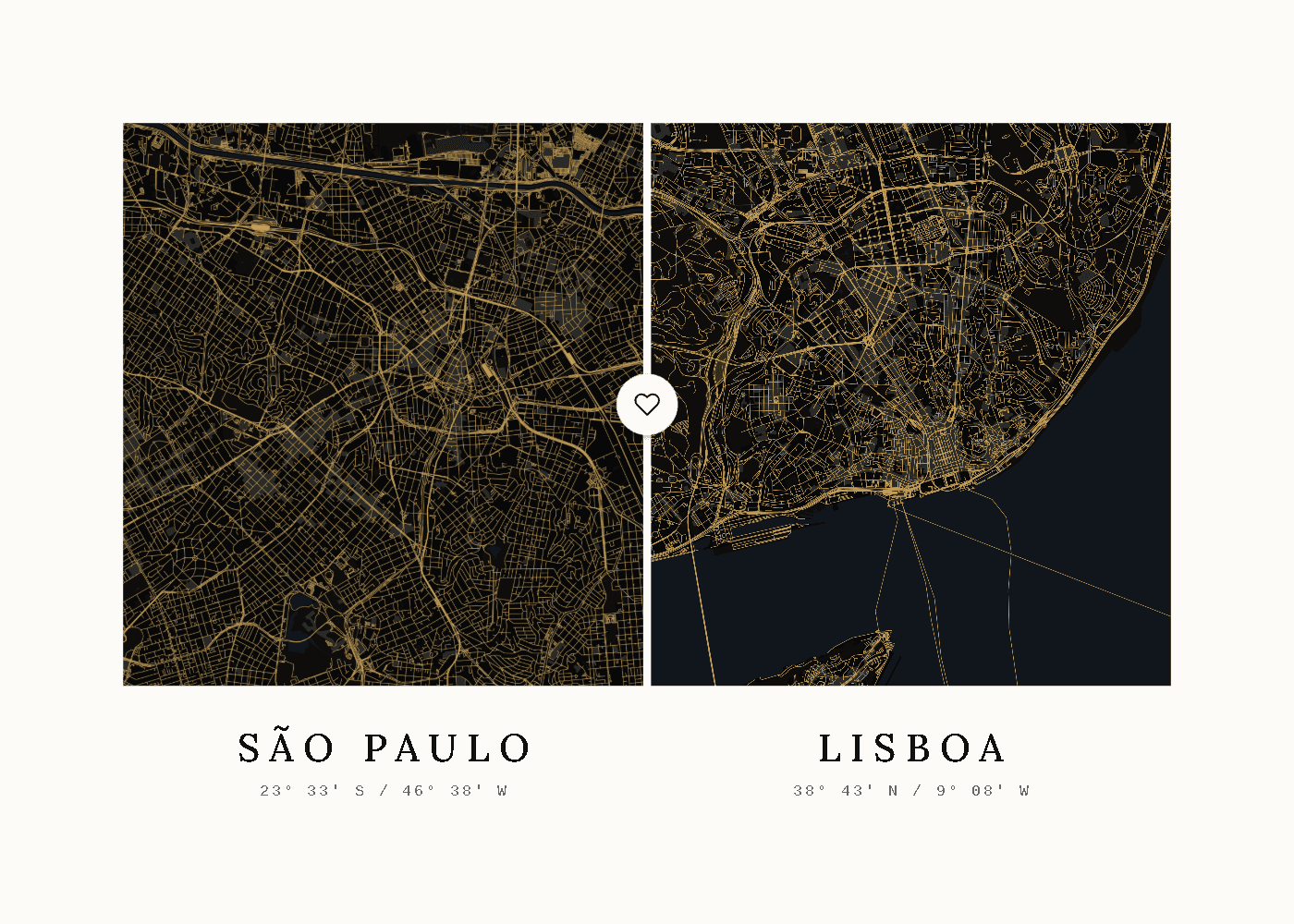
São Paulo + Lisboa, Gold

Search for cities, neighborhoods and addresses

Anywhere in the world: a whole city, a neighborhood or an address.

How it works
Type in the location field and pick from the list. The search follows the site language, with English as a fallback.
What it is for
Getting to the exact place, not just the city.
Example
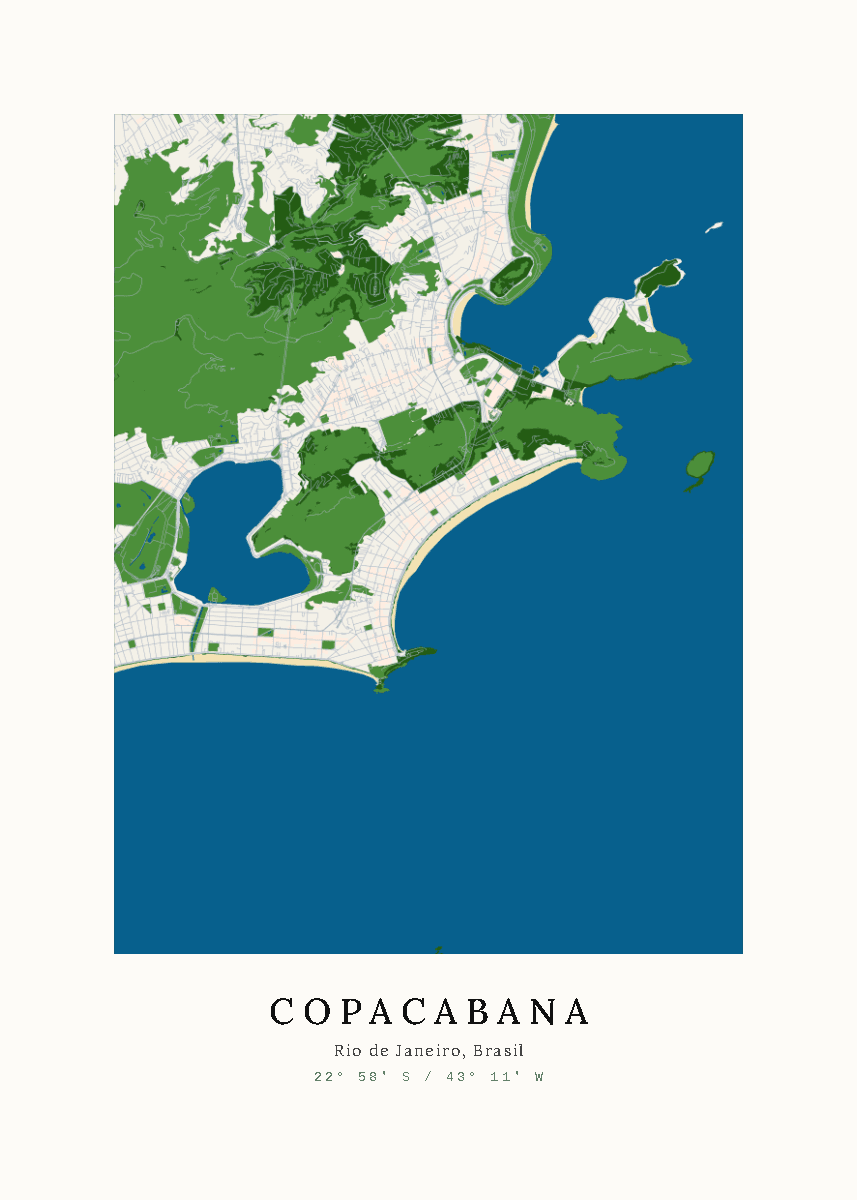
Copacabana, in Rio de Janeiro, rather than the whole city.
Copacabana, Silver

Map framing

The editor map is interactive.

How it works
Drag to move, and use the mouse wheel or a pinch to zoom in and out.
What it is for
Showing only the part of the city that matters: downtown, the waterfront, your street.
Example
Zooming in on the beach where the proposal happened.

Five styles

Silver, in color, with green parks and blue water; Dark, in navy and black; Sepia, in aged-paper tones; Gold, with gold lines on black; and Ink, in black and white.

How it works
Pick one of the five circles under "Style". The preview changes instantly.
What it is for
Matching the art to the wall, the furniture or the taste of the person receiving it.
Example
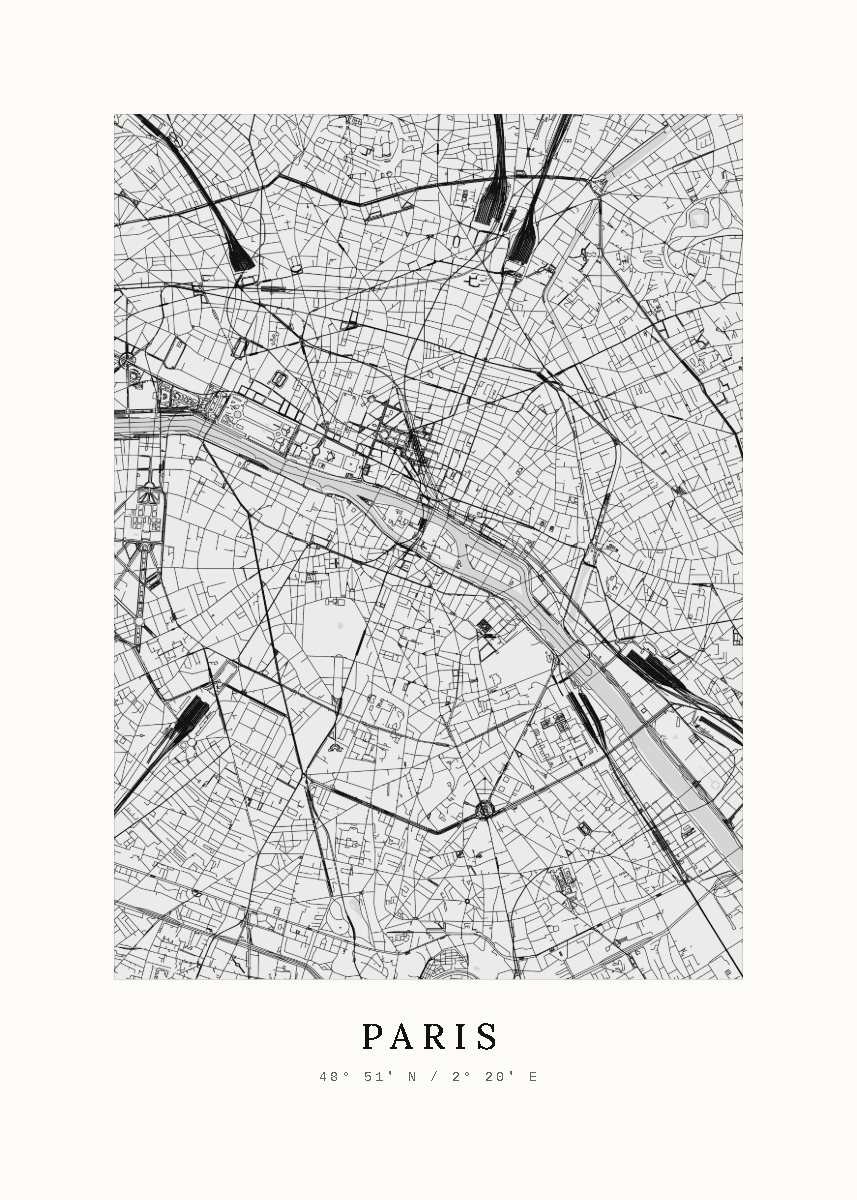
Ink, in black and white, for a room in neutral tones.
Paris, Ink

Full Solid

The whole sheet takes the map's background color, and the text takes the color of the streets.

How it works
Turn on the "Full Solid" switch below the styles.
What it is for
A single-color piece, without the light margin.
Example
Sepia in Full Solid, all in aged-paper tones.

Landscape or portrait

The print can be horizontal or vertical.

How it works
Click the rectangle icon next to "1 place / 2 places".
What it is for
Fitting the wall: landscape above a sofa, portrait on narrow walls.
Example
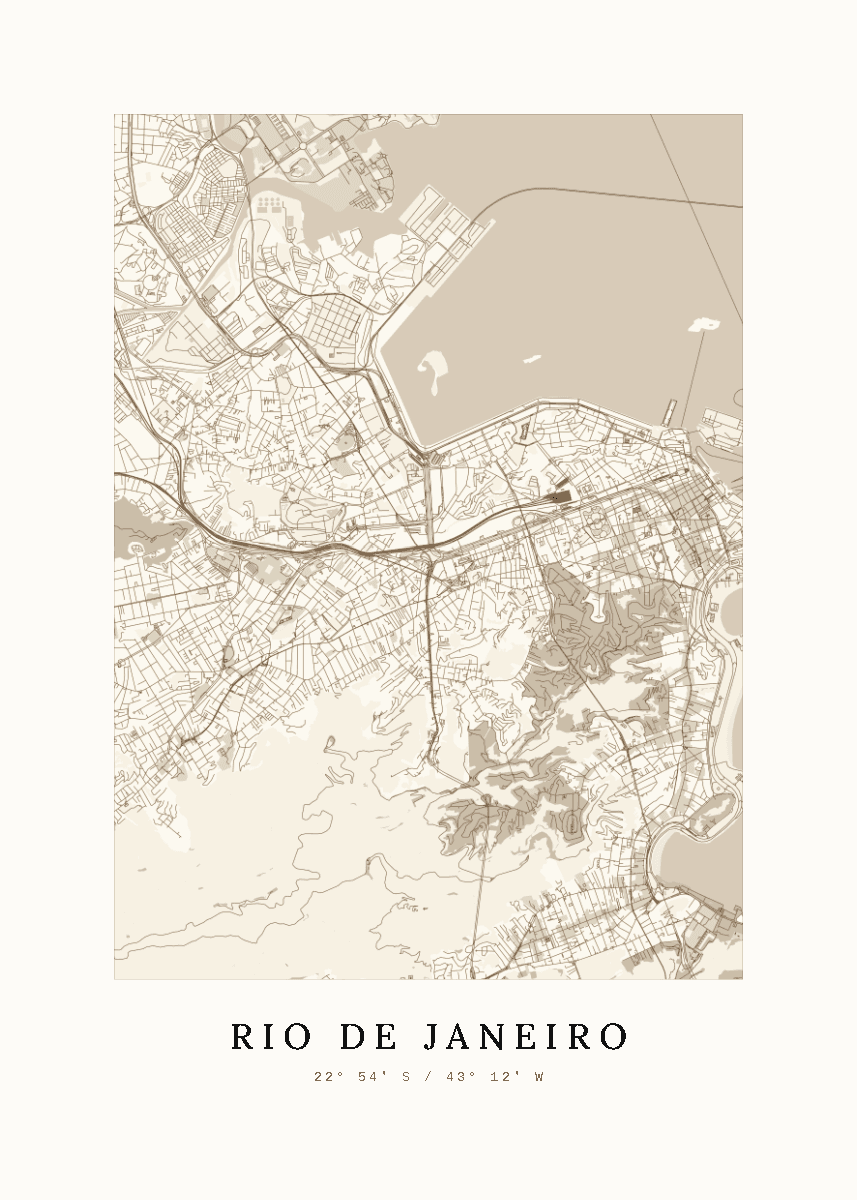
Two places in landscape, one place in portrait.
Rio de Janeiro, Sepia

Automatic name and coordinates

Each place gets its name, a line with the state or country, and its coordinates.

How it works
The text comes from the place you picked in the search and is laid out as in the final file.
What it is for
A finished piece without having to write anything.
Example
"Rio de Janeiro" with the coordinates 22° 54′ S / 43° 12′ W.

Preview before you pay

You see the finished art before paying.

How it works
When you click "Checkout", the site builds the preview and opens the checkout. The preview has a watermark; the final file does not.
What it is for
Buying knowing exactly what you will get.
Example
Checking that the neighborhood name looks right before paying.

Digital file

A 4961 × 3508 pixel PNG (A3 at 300 DPI) and a print-ready PDF.

How it works
After payment, the download link arrives by email within a few minutes.
What it is for
Printing anywhere, including a local print shop, in high quality.
Example
Printing at A2 at a print shop the same day and framing it.

Framed print

The printed artwork, framed and ready to hang, delivered in Brazil, the US and Canada.

How it works
At checkout, choose the size and frame color, enter the address and see the shipping cost and delivery date. Tracking arrives by email.
What it is for
Getting the gift ready to give, without a print shop or a framer.
Example
A 12 × 16 in print in a black frame delivered in Chicago.

Six languages and local currency

The site in Brazilian and European Portuguese, English, Spanish, German and French. Prices in R$, US$, €, £ or A$.

How it works
The currency follows the country you visit from; the language is in the site address.
What it is for
Buying without currency conversion or text in another language.
Example
A visitor from Germany sees the site in German and prices in euros.

Discount coupons

The checkout accepts discount coupons.

How it works
Type the code in the coupon field at checkout. The discount shows in the total before you pay.
What it is for
Using promotions and partner codes.
Example
A code shared by a partner on Instagram.